1. When logged in, click Profile on the upper right corner of the website.

2. You are now at your societies profile page, please scroll down and go to the annual return section.
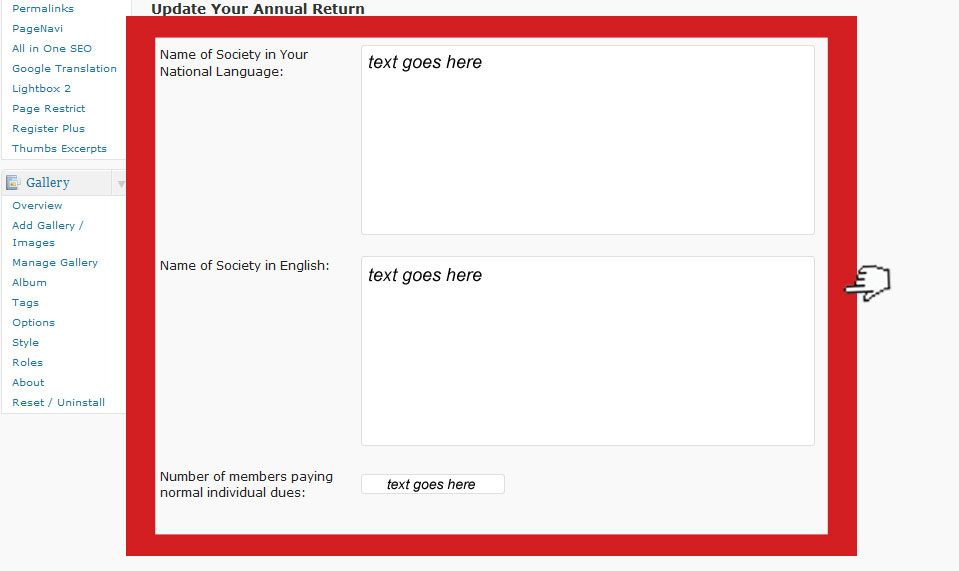
3. Type in all the necessary information.
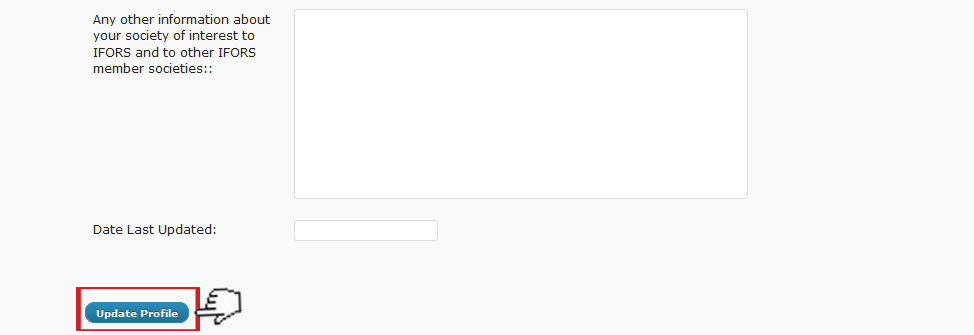
4. After filling up the information, Click Update Profile at the bottom left part of the page.
5. Please wait until the “User updated” prompt appears.
6. Finished. You may now continue browsing the IFORS Website by clicking the “IFORS” link on the upper left part of your profile page.
* You may also download a fillable pdf version of the annual return form here and send it to secretary@ifors.org